Announcing SafeDrive — Open, Browse, and Extract TrueCrypt Volumes Without TrueCrypt
We built a free, open-source desktop app that opens TrueCrypt and VeraCrypt encrypted volumes with no external software required. AES-256, Serpent, Twofish — all decrypted in Rust, all in memory, never touching disk.
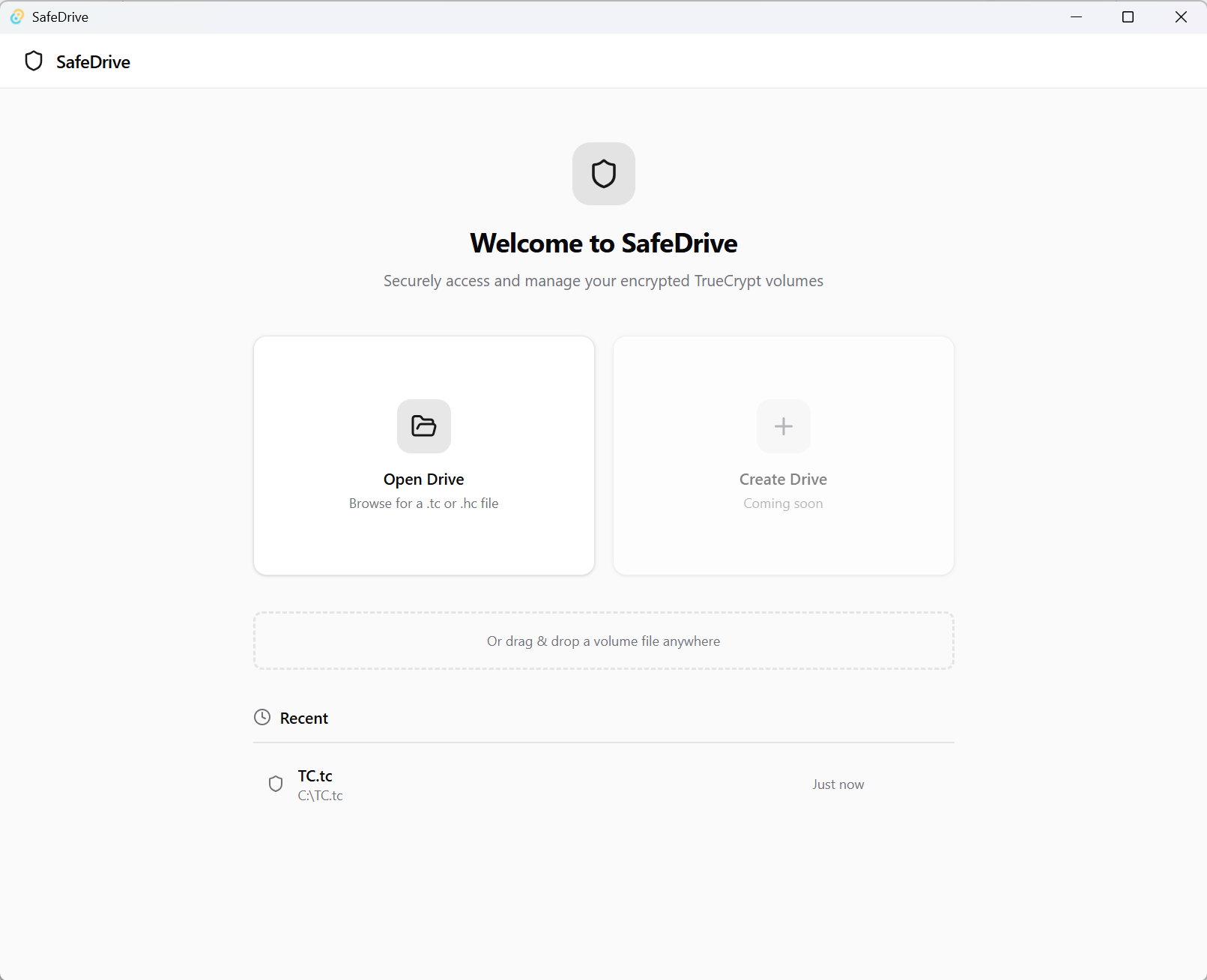
TrueCrypt was discontinued in 2014. VeraCrypt picked up where it left off, but using either tool today still means installing drivers, running setup wizards, and — on some systems — fighting with compatibility issues. If you just want to open an old .tc file and extract a few documents, the setup friction is significant.
We asked: What if you could open an encrypted volume like any other file, with no installation, no drivers, and no external software?
That question became SafeDrive.
What Is SafeDrive?
SafeDrive is a lightweight desktop application for Windows, macOS, and Linux. It opens existing TrueCrypt and VeraCrypt encrypted volumes (.tc and .hc files), lets you browse and preview the files inside, and extract whatever you need — all without installing TrueCrypt, VeraCrypt, or any drivers.
It’s built with Tauri (Rust + React), and the entire TrueCrypt decryption pipeline is implemented from scratch in pure Rust. No external tools. No system drivers. Just open the app, drop in your volume file, enter your password, and you’re in.
Why We Built It
The TrueCrypt ecosystem has a storage problem. Millions of encrypted volumes exist — backups, archives, old hard drives — but the software to open them is increasingly difficult to run on modern systems. TrueCrypt itself is unmaintained. VeraCrypt works but requires a full installation.
We wanted a tool that:
- Requires zero installation — no drivers, no setup, just a portable app
- Works on modern operating systems — including the latest versions of Windows, macOS, and Linux
- Handles all the algorithms — AES-256, Serpent-256, Twofish-256, and all cascade combinations, with all supported KDFs
- Keeps your data safe — decryption entirely in memory, passwords never written to disk
- Is free and open source — MIT licensed, auditable
SafeDrive delivers on all five.
The Decryption Engine
The most interesting part of SafeDrive is its Rust-based decryption backend. The TrueCrypt volume format is well-documented but implementing it correctly — especially with cascaded ciphers and multiple KDFs — requires care.
When you enter your password, SafeDrive tries every supported cipher and KDF combination automatically:
Ciphers: AES-256, Serpent-256, Twofish-256, and all cascade combinations (AES-Twofish, Serpent-AES, etc.)
Key Derivation Functions: HMAC-RIPEMD-160, HMAC-SHA-512, HMAC-Whirlpool, and HMAC-SHA-1
The correct combination is detected from the volume header’s built-in CRC checksum — no manual algorithm selection needed. SafeDrive also detects and handles hidden volumes automatically.
Once the header decrypts successfully, SafeDrive parses the filesystem inside the volume (FAT32, exFAT, or NTFS) entirely in Rust. You get a complete file browser with no intermediary files written to disk.
The File Browser
After decryption, SafeDrive gives you:
- A full directory tree of the volume contents
- File names, sizes, and folder structure at a glance
- In-app image preview — view JPEG, PNG, and other image files directly without extracting them first
- Selective extraction — pick individual files or folders, or extract everything at once with a real-time progress bar
Virtual Drive Mounting on Windows
For Windows users who need more than extraction, SafeDrive can mount the decrypted volume as a real Windows drive letter:
- SafeDrive decrypts the volume in memory
- It writes the decrypted content to a temporary VHD
- It mounts the VHD via the Windows Virtual Disk API, assigning a drive letter
- Any application on your system can now read and write to the volume transparently
When you unmount, SafeDrive writes the changes back into the encrypted container and cleans up the VHD.
Security Features
SafeDrive is designed to minimize the exposure of decrypted data:
Auto-lock screen — whenever the SafeDrive window loses focus, it automatically covers the volume contents with a lock screen. A shoulder surfer walking past your desk sees nothing.
In-memory only — decrypted data and your password are never written to disk (except during the optional Windows VHD mount, which is a temporary file that gets cleaned up).
Re-authentication — the lock screen requires re-entering your password before the contents are revealed again.
Built With Tauri
SafeDrive uses Tauri v2 as its desktop shell — a Rust-native framework that produces small, fast binaries without bundling an entire Chromium instance. The UI is React 18 with TypeScript and Tailwind CSS, using shadcn/ui components.
The result is a desktop app that is significantly smaller and faster than an Electron equivalent, while still delivering a modern, polished interface.
Open Source, MIT Licensed
SafeDrive is free and open source under the MIT license. No accounts, no feature gates. The entire decryption pipeline is auditable.
What’s Coming Next
Create Drive — the ability to create brand-new TrueCrypt-compatible encrypted volumes from scratch is the next major feature. We’ll also be adding write support without the full VHD mount path on Windows, and native mount support on macOS.
If you have old TrueCrypt archives or use VeraCrypt today, give SafeDrive a try.